↓Skip to main content

TreadMate

TreadMate app icon: a white treadmill on a navy background

TreadMate controls your treadmill from your iPhone. It talks to WalkingPad and other Bluetooth treadmills that support the standard FTMS (Fitness Machine Service) protocol, so you can start a walk, change speed and see how you’re doing without reaching for the remote.
Features #

  • Bluetooth control: start, pause, resume and stop, and change speed in 0.5 km/h steps
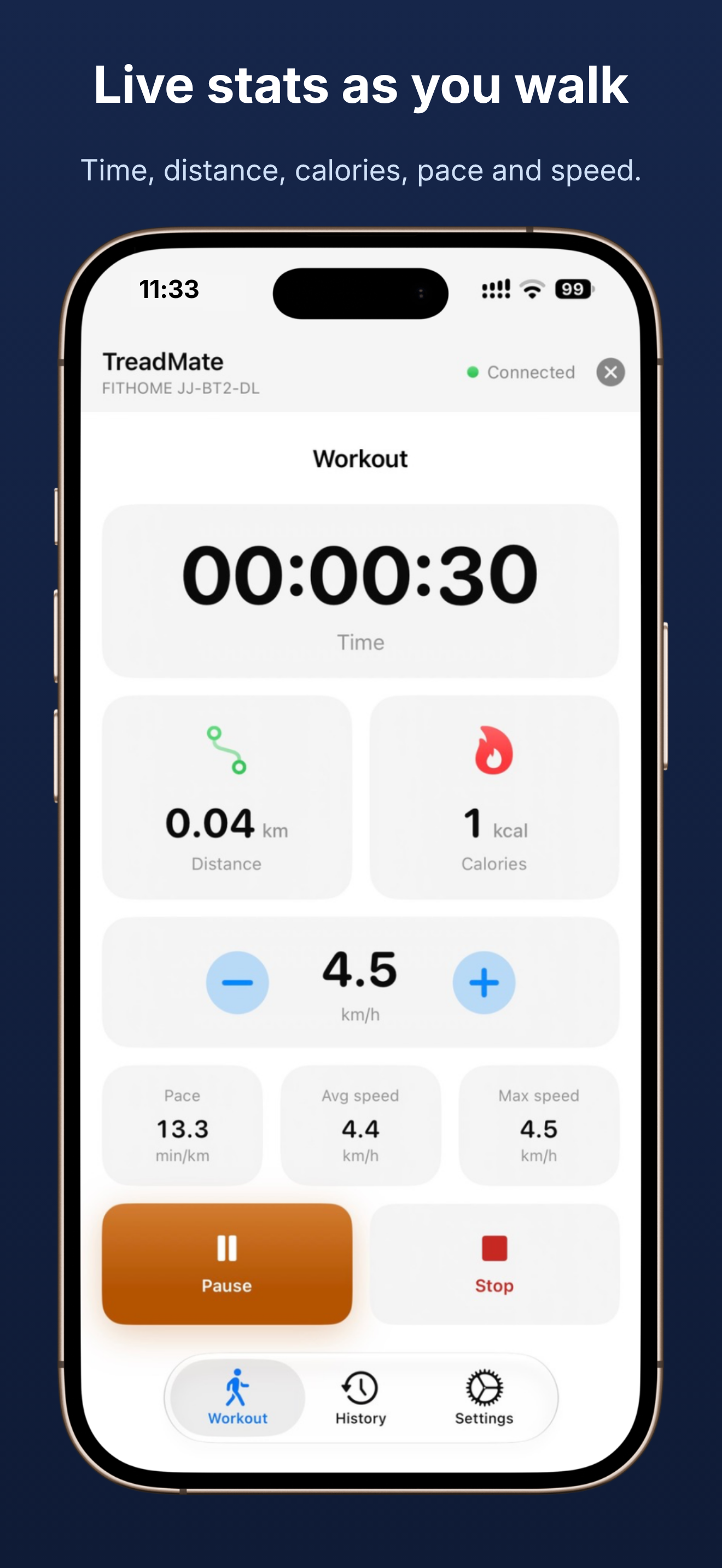
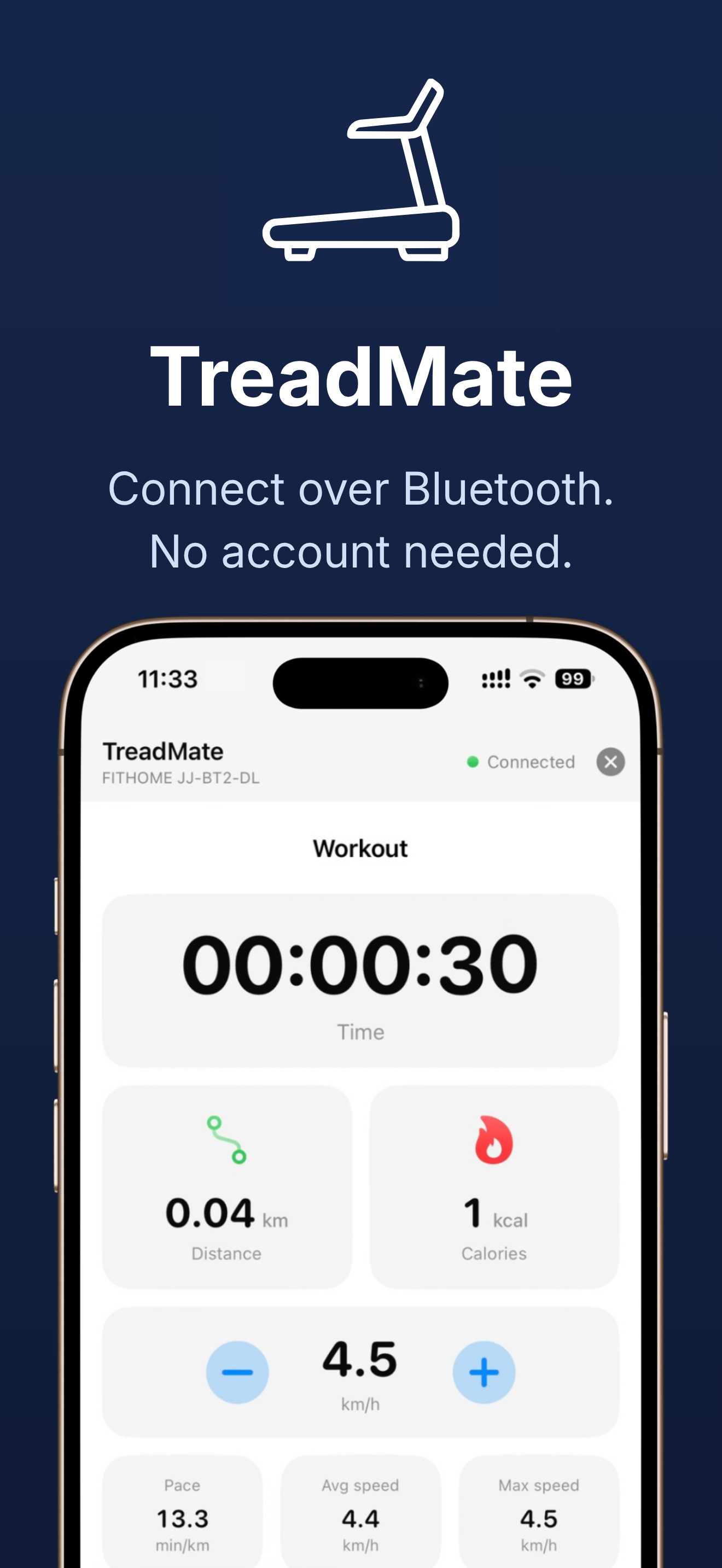
  • Live stats: time, distance, calories, pace, and average and maximum speed
  • Works with the remote: starting or stopping with the physical remote is picked up automatically
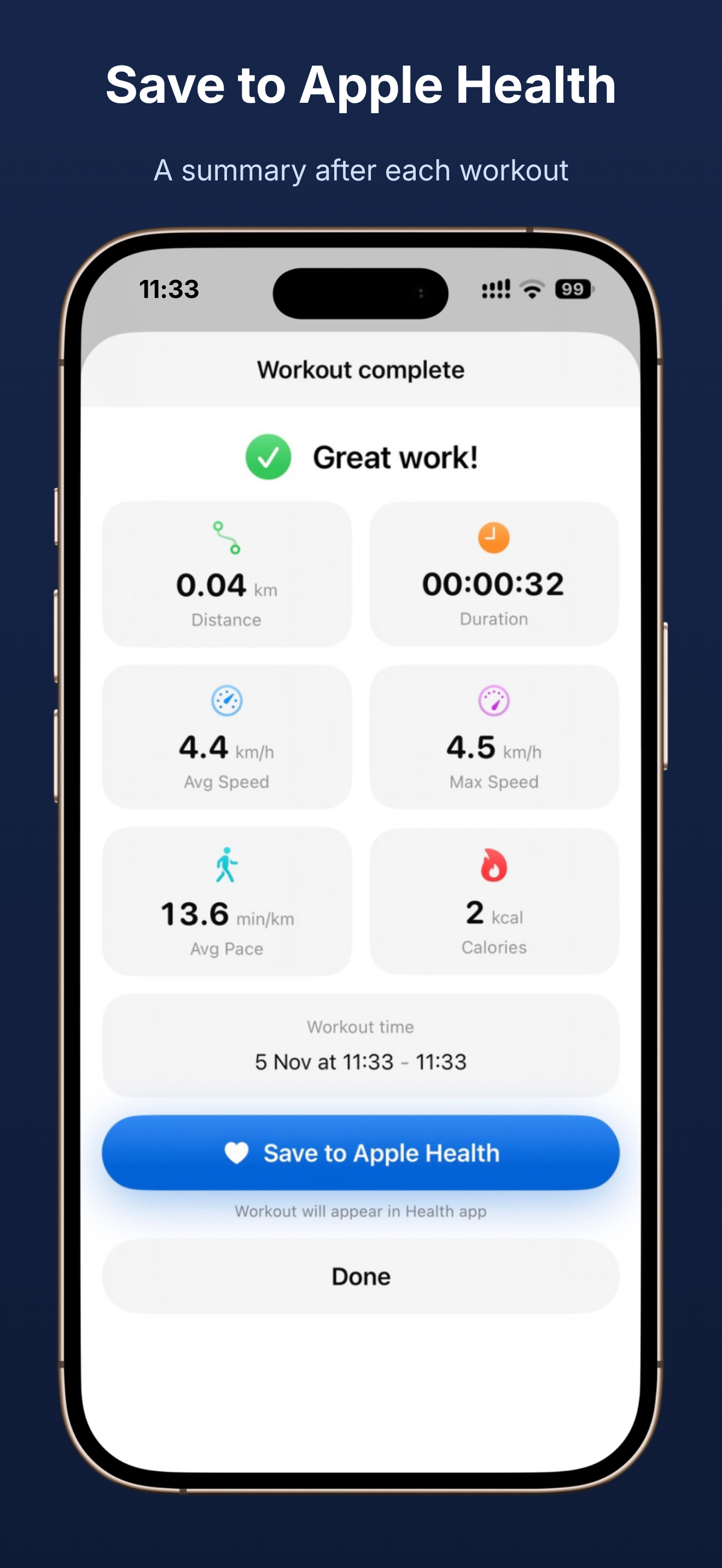
  • Apple Health: save finished walks to Health, one at a time or automatically
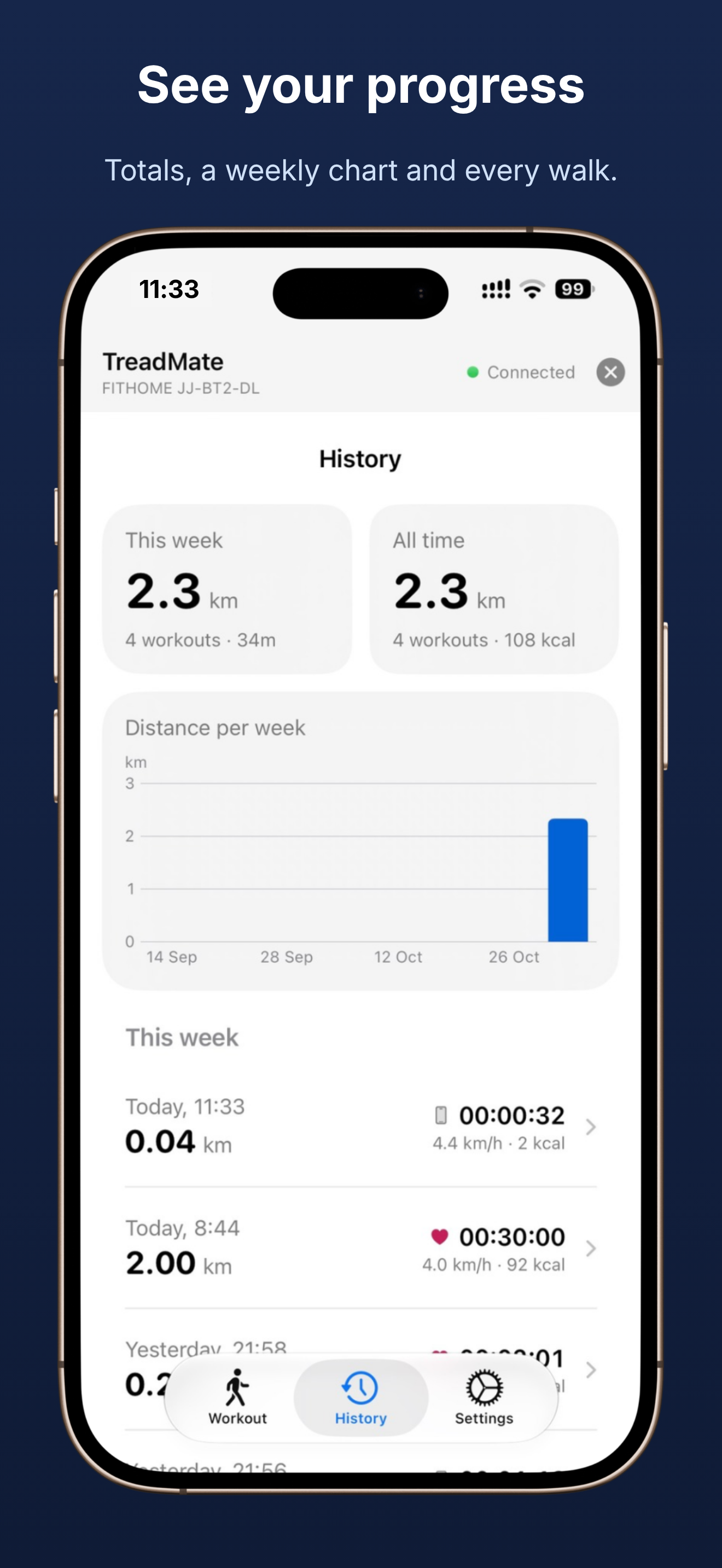
  • Workout history: totals, a weekly chart and a full list of past walks, stored on your iPhone
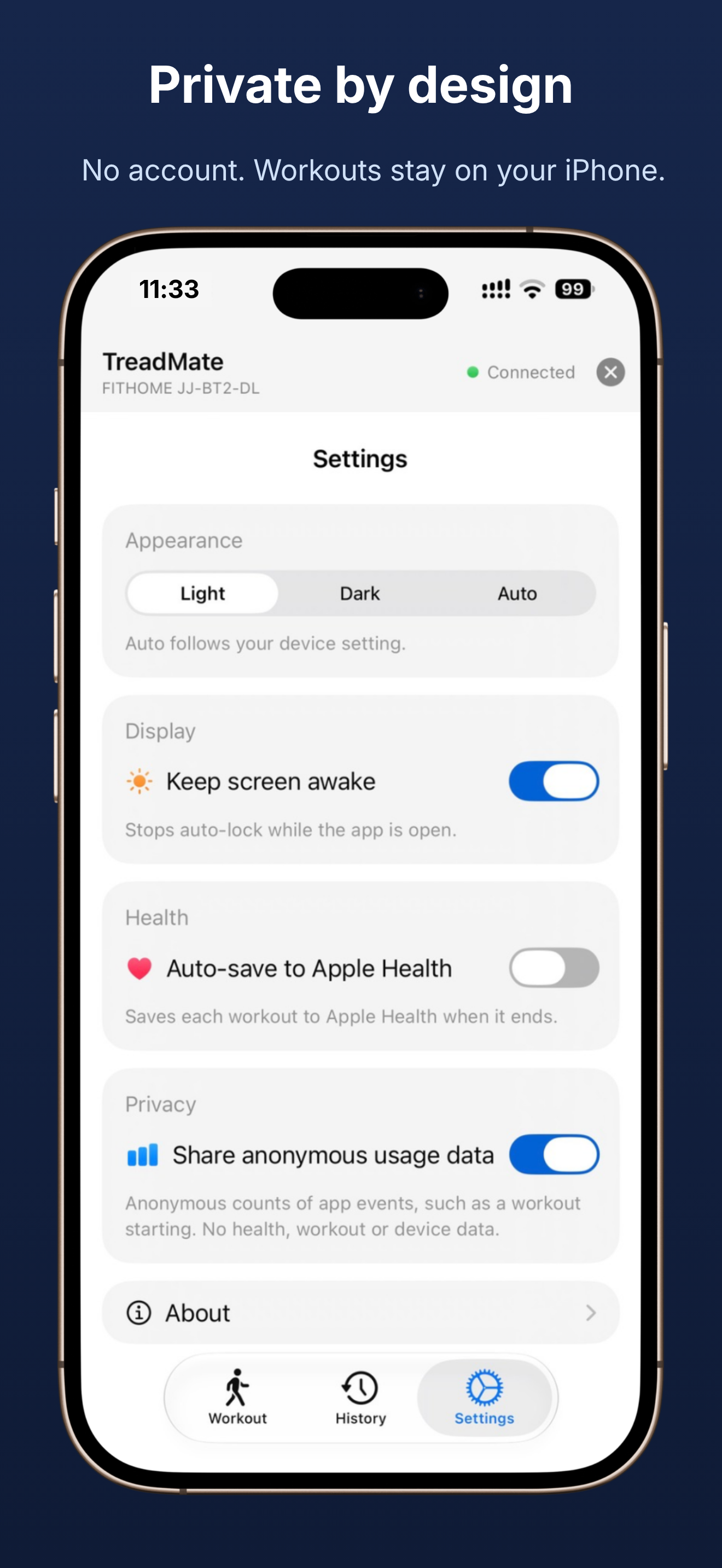
  • Keep screen awake: optional, so the stats stay visible while you walk
  • Light and dark mode: or follow your device setting
  • No account: nothing to sign up for

Screenshots #

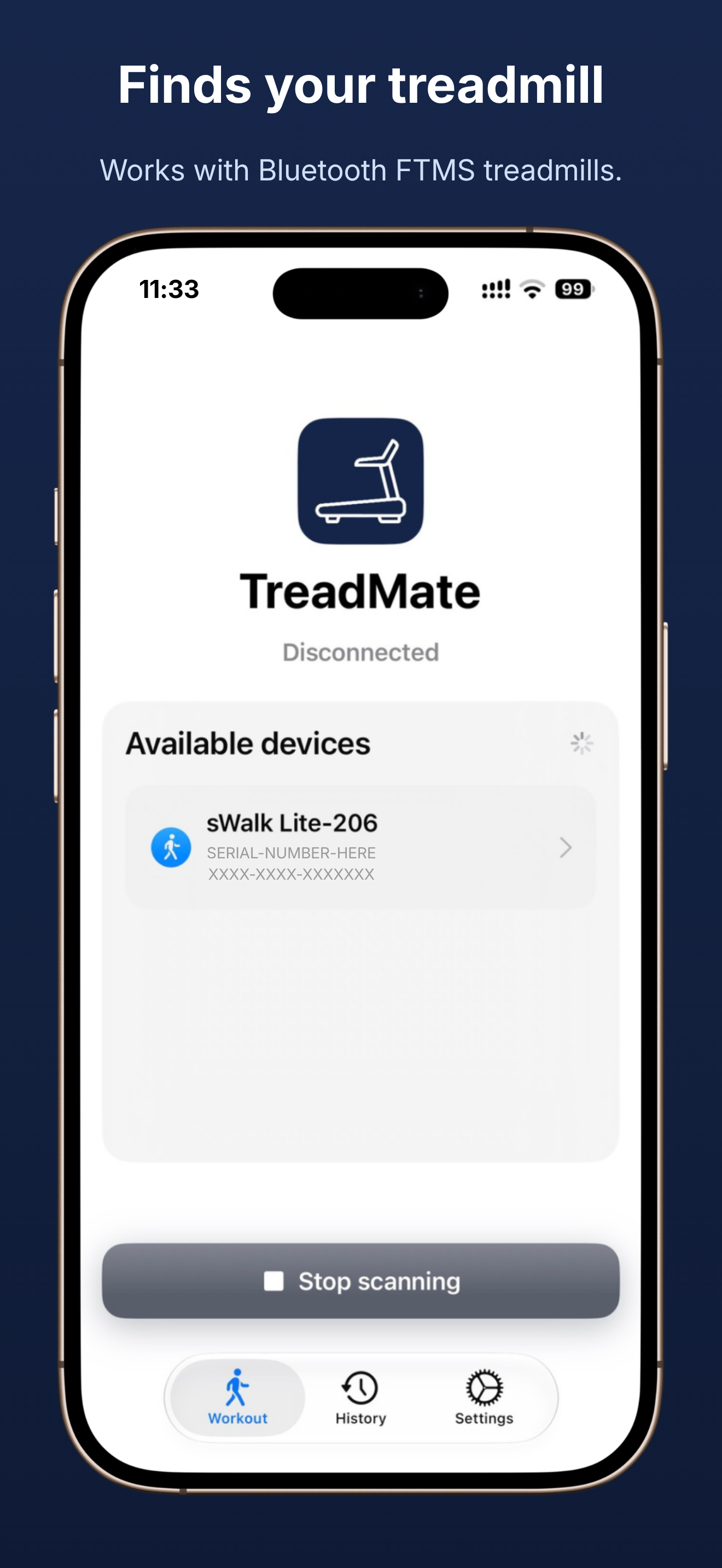
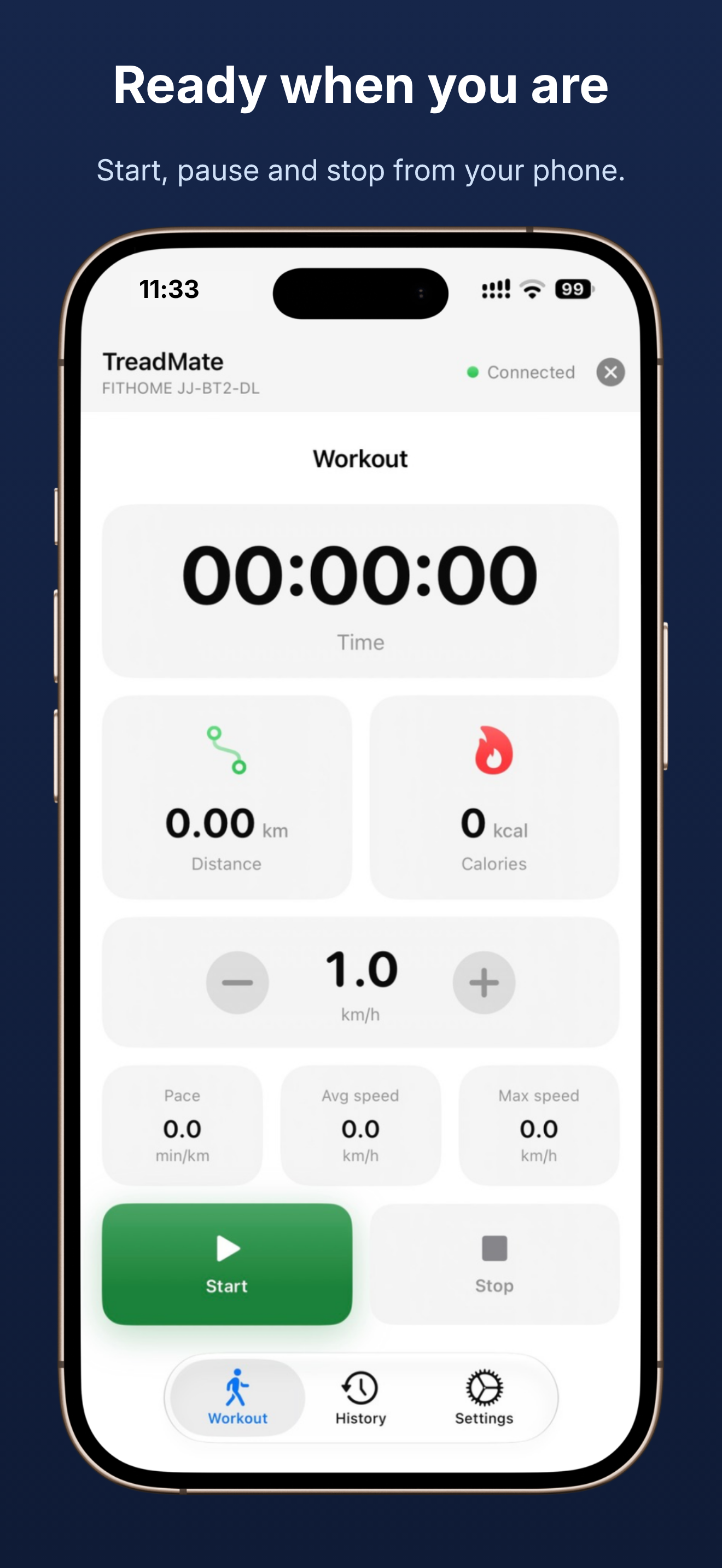
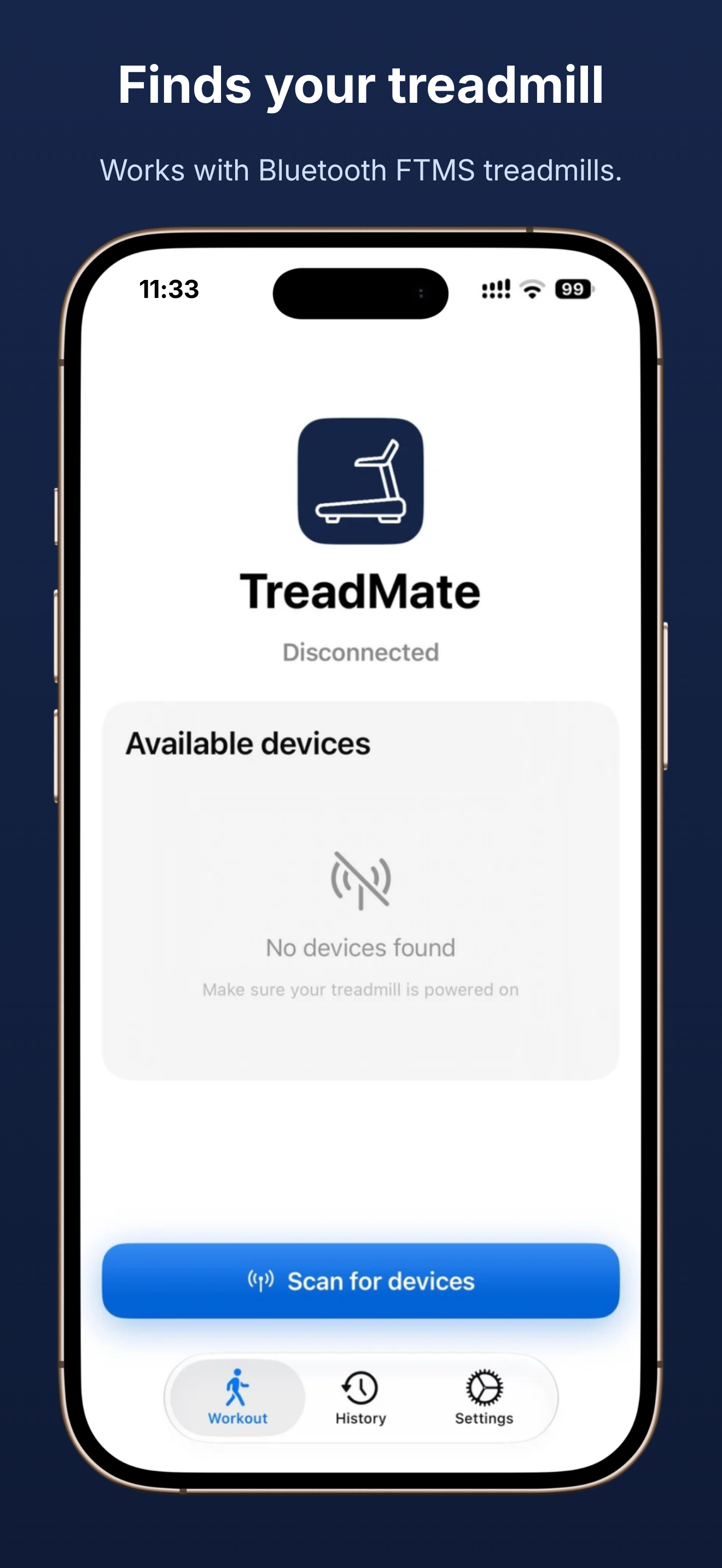
TreadMate workout screen connected to a treadmill, showing live time, distance and calories TreadMate device list with no treadmills found and a Scan for devices button TreadMate scanning and listing a nearby Bluetooth treadmill TreadMate workout screen ready to start, with Start and Stop buttons TreadMate live stats during a walk: time, distance, calories, pace and speed TreadMate workout summary with a Save to Apple Health button TreadMate history screen with weekly totals, a distance chart and past walks TreadMate settings for appearance, screen awake, Apple Health auto-save and privacy

Requirements #

  • iPhone with iOS 18.6 or later
  • A treadmill with Bluetooth and FTMS support, such as a WalkingPad

Download #

Download on the App Store

Support #

Having a problem or got a suggestion? Send me an email and I’ll get back to you as soon as I can.

Changelog #

See what’s new in each version. Read the full changelog for release notes and version history.

Privacy Policy #

Your workouts stay on your iPhone, and the app only shares anonymous usage counts, which you can turn off. Read the full privacy policy for details on how TreadMate handles your information.

Changelog

Version history and release notes for the TreadMate iOS app